1
You Add the QR Code or NFC
Put the label on the back of the frame or another discreet area of the product.
Keep the Front Clean
Put the QR code or NFC label on the back or another discreet area of the product.
MsgKeeper™ is temporarily unavailable while we perform maintenance. Please check back soon.
Add a personal 30-second video message experience to the products you already sell.
Forgot your PIN? Use your one-time recovery code first, or send MsgKeeper LLC a recovery request.
See the process, what you can charge, and the vendor options below.
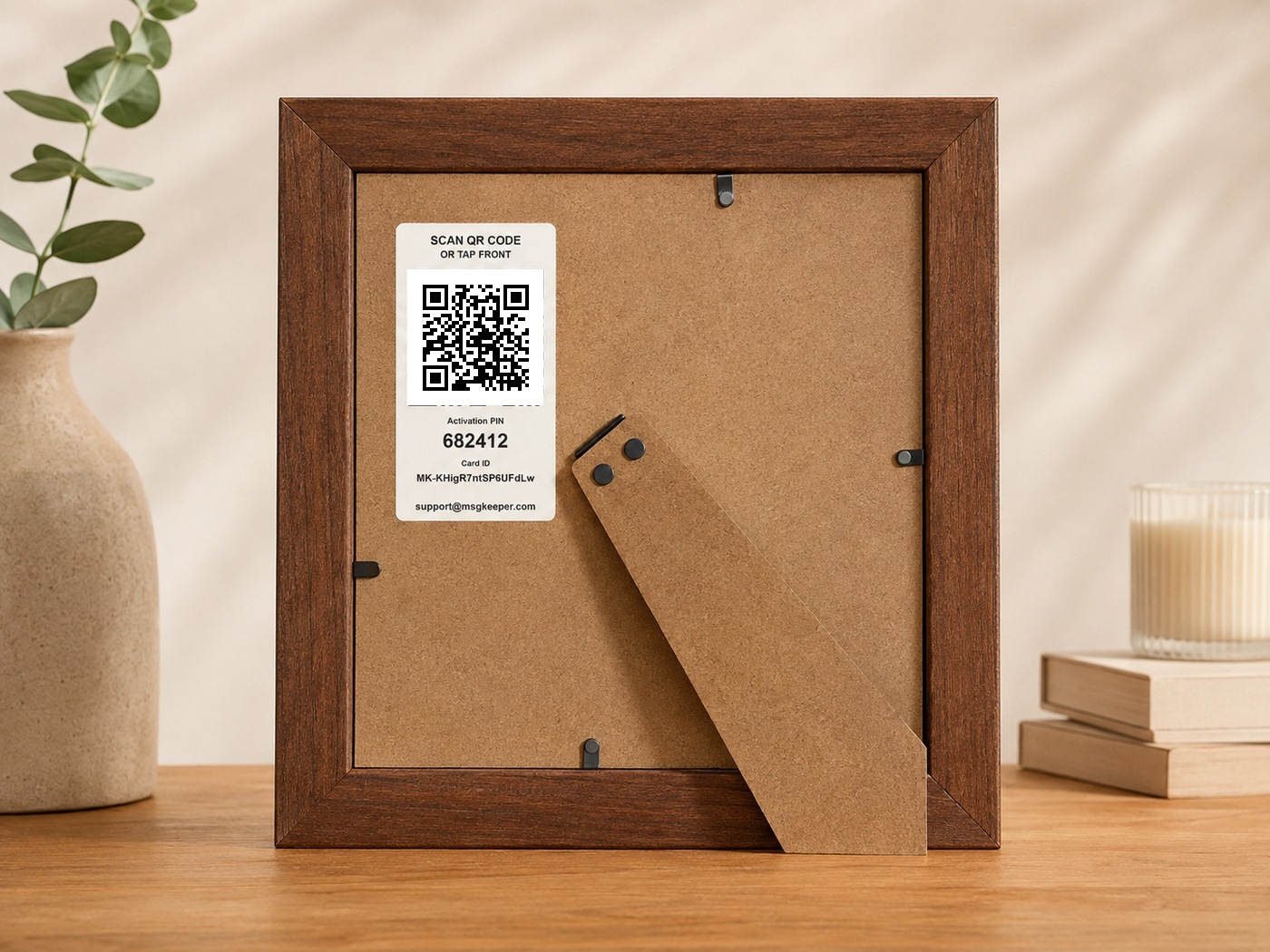
Place the QR code or NFC label on the back of a frame or another discreet area of the product.
Put the label on the back of the frame or another discreet area of the product.
Put the QR code or NFC label on the back or another discreet area of the product.
They enter the Activation PIN and upload their personal 30-second video message.
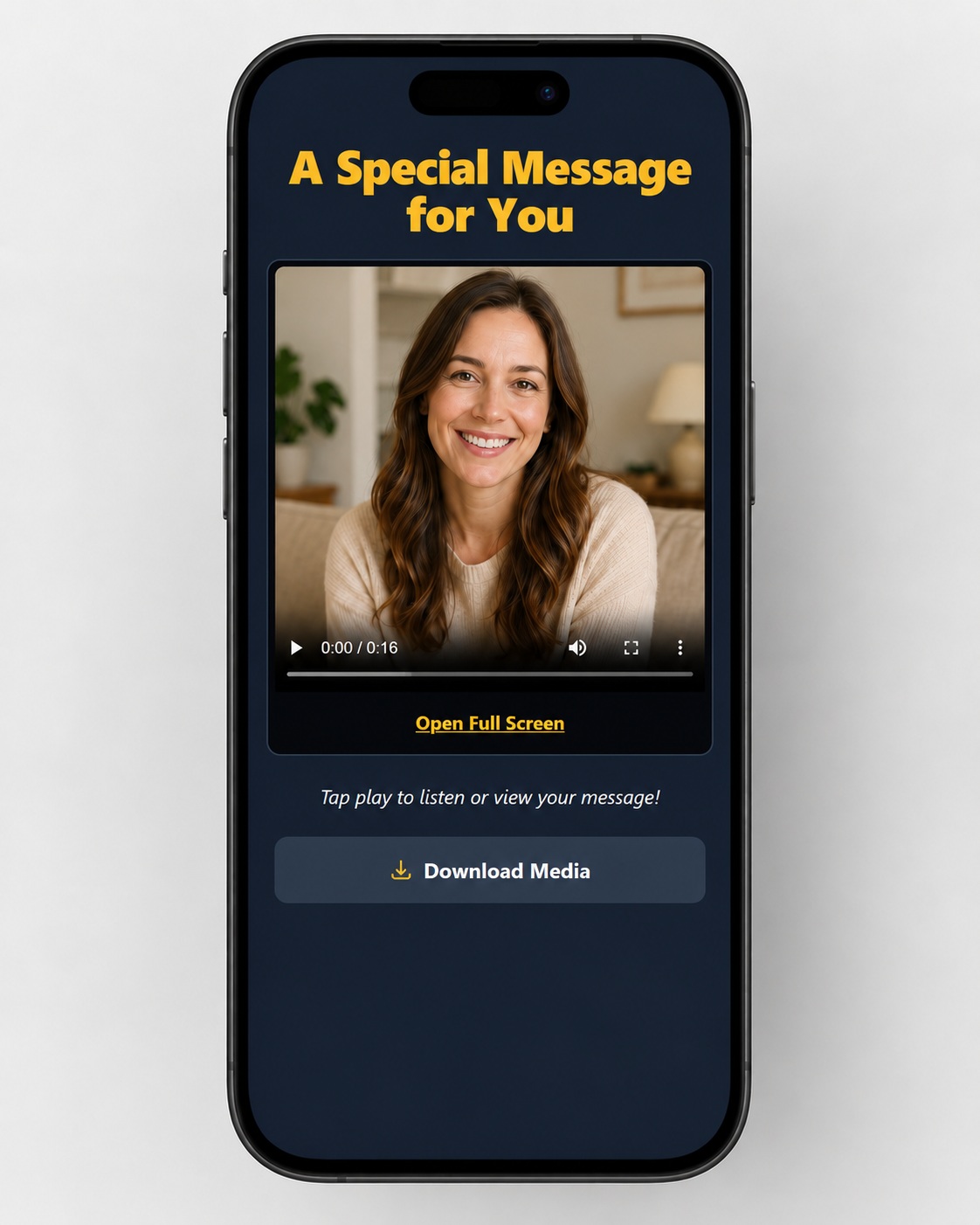
The finished product becomes a more personal gift while the QR or NFC stays discreetly placed on the back or out of sight.

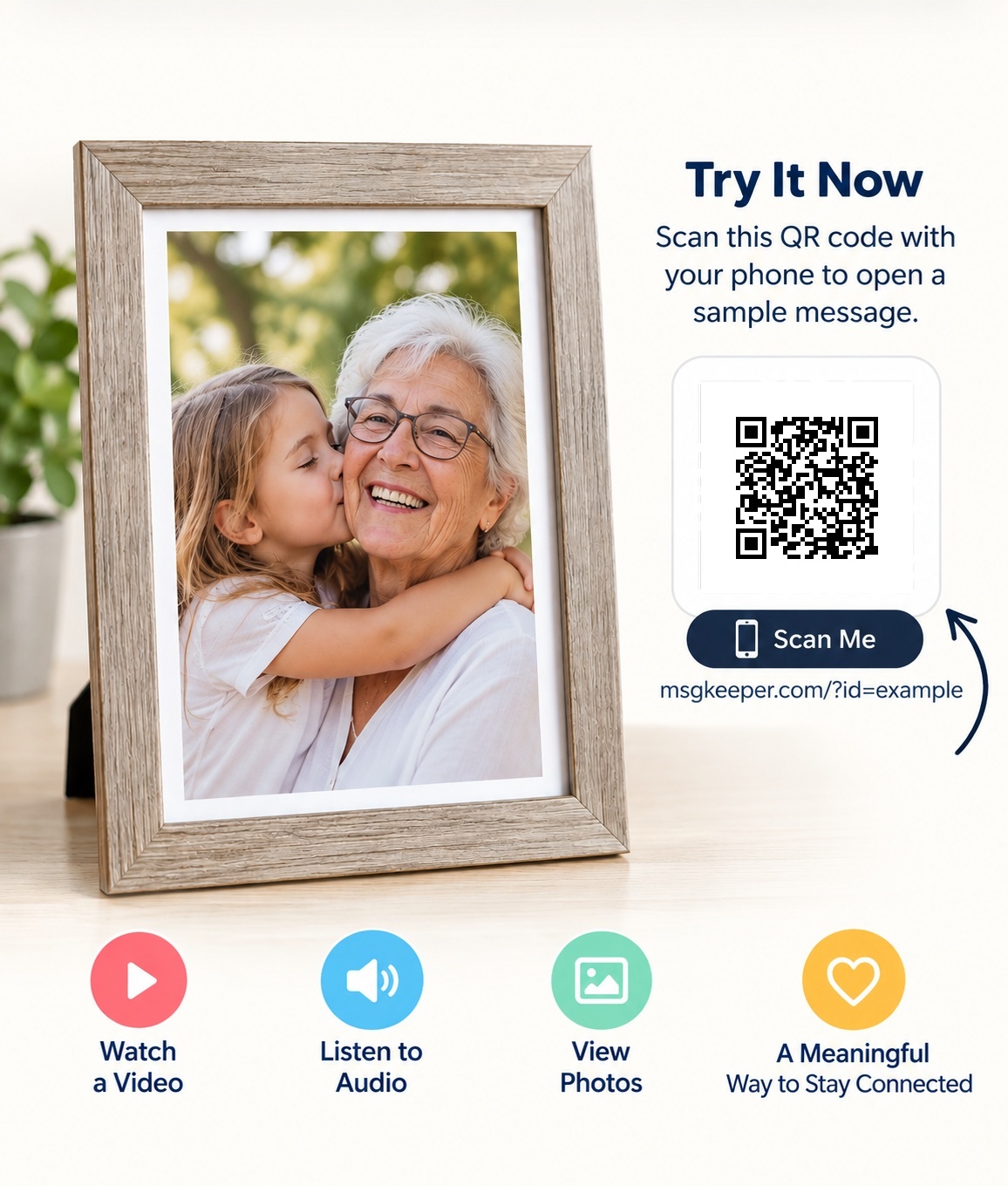
Anyone with the gift can tap the NFC or scan the QR code to watch or listen to the message.
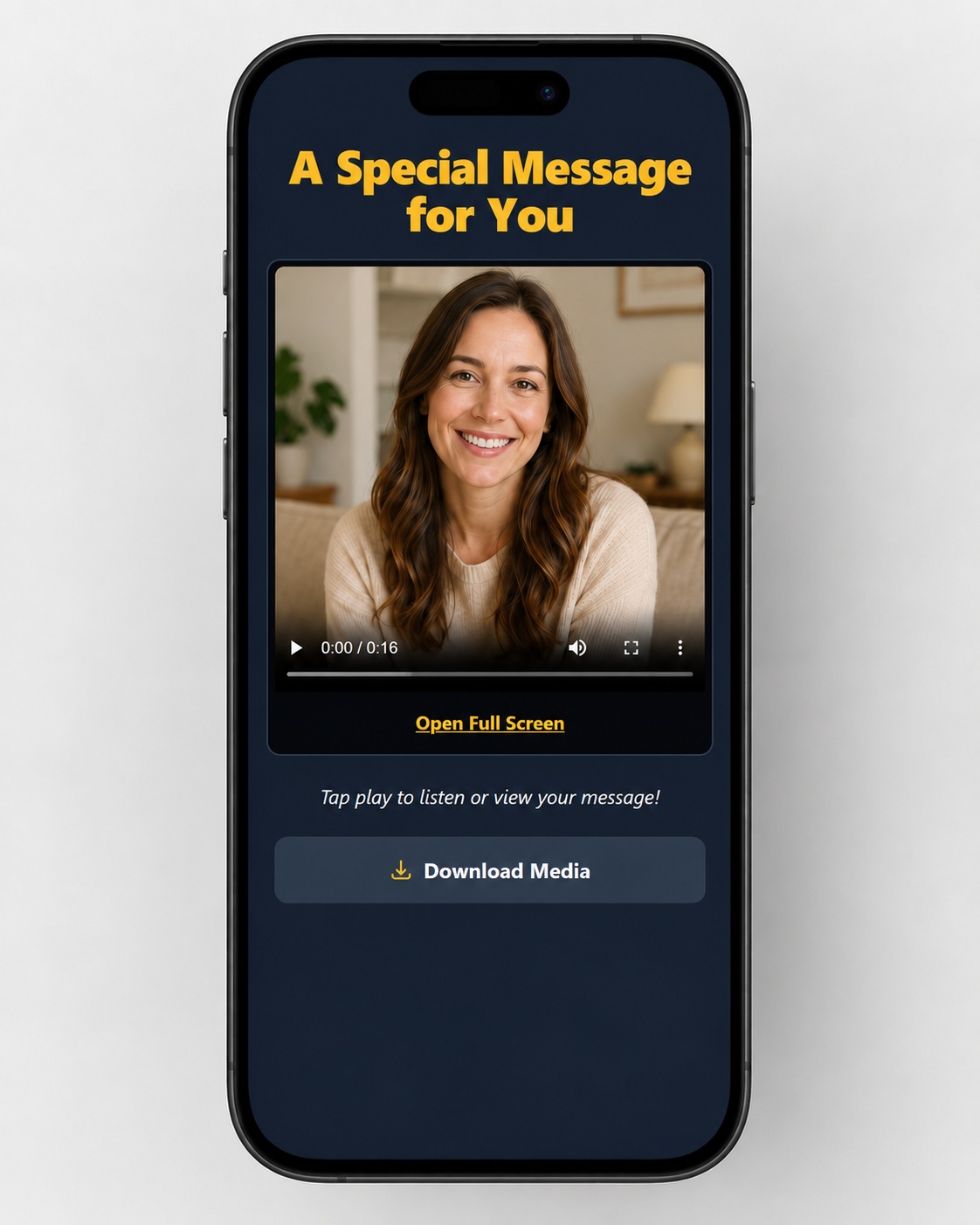
Give your customer their Activation PIN and let them upload their own message. You sell the MsgKeeper™ upgrade; the customer handles their own upload.
Example retail add-on ranges — you choose your own price.
Illustrative pricing only. Actual pricing and customer demand vary by product and market.
Add more value without changing what you already sell. MsgKeeper™ helps vendors offer a more meaningful product and an easy add-on customers understand right away.
Buy activations as needed with no commitment, or subscribe and get a noticeably lower cost per activation every month.
No monthly commitment. Add activations when your business needs them.
| Pack | Activations | Price | Per Activation |
|---|---|---|---|
| Loading current pricing… | |||
Subscriptions are intentionally priced below one-time packs so regular vendors save more as they use MsgKeeper.
Add a new personal-message option to products your customers already love.
Already have an account? Sign in above.
Add MsgKeeper™ to products you already sell. It works especially well anywhere a personal message makes the gift or keepsake feel more meaningful.
Perfect for family photos, senior portraits, wedding frames, and memorial displays.
A simple add-on for sympathy flowers, celebration bouquets, and special arrangements.
Great for wedding boxes, keepsakes, vow gifts, and anniversary pieces.
Pair memorial candles, remembrance gifts, and tribute items with a recorded message.
Turn ordinary gifts into personal experiences by attaching a QR or NFC label.
Let customers pair printed memories with a voice or video message.
An easy premium add-on for framed art, custom framing, and keepsake displays.
If you sell meaningful products, MsgKeeper™ can usually be added without changing your workflow much.
Offer customers a simple personal-message upgrade that adds emotional value to what they already buy.
Customer messages are protected and delivered securely.
Messages are stored securely and ready when needed.
MsgKeeper LLC support is available when your business needs help.
Follow these six steps. Your customer handles their own message upload.
Get activations automatically after each successful monthly payment. Unused subscription activations roll over indefinitely, and active subscribers get lower-priced additional packs.
Included activations are added to your vendor dashboard after each successful Stripe monthly invoice. Subscription activation discounts are applied automatically to additional activation-pack purchases.
Choose an activation pack and pay securely with Stripe. Active subscribers automatically receive discounted subscriber pricing on eligible activation packs.
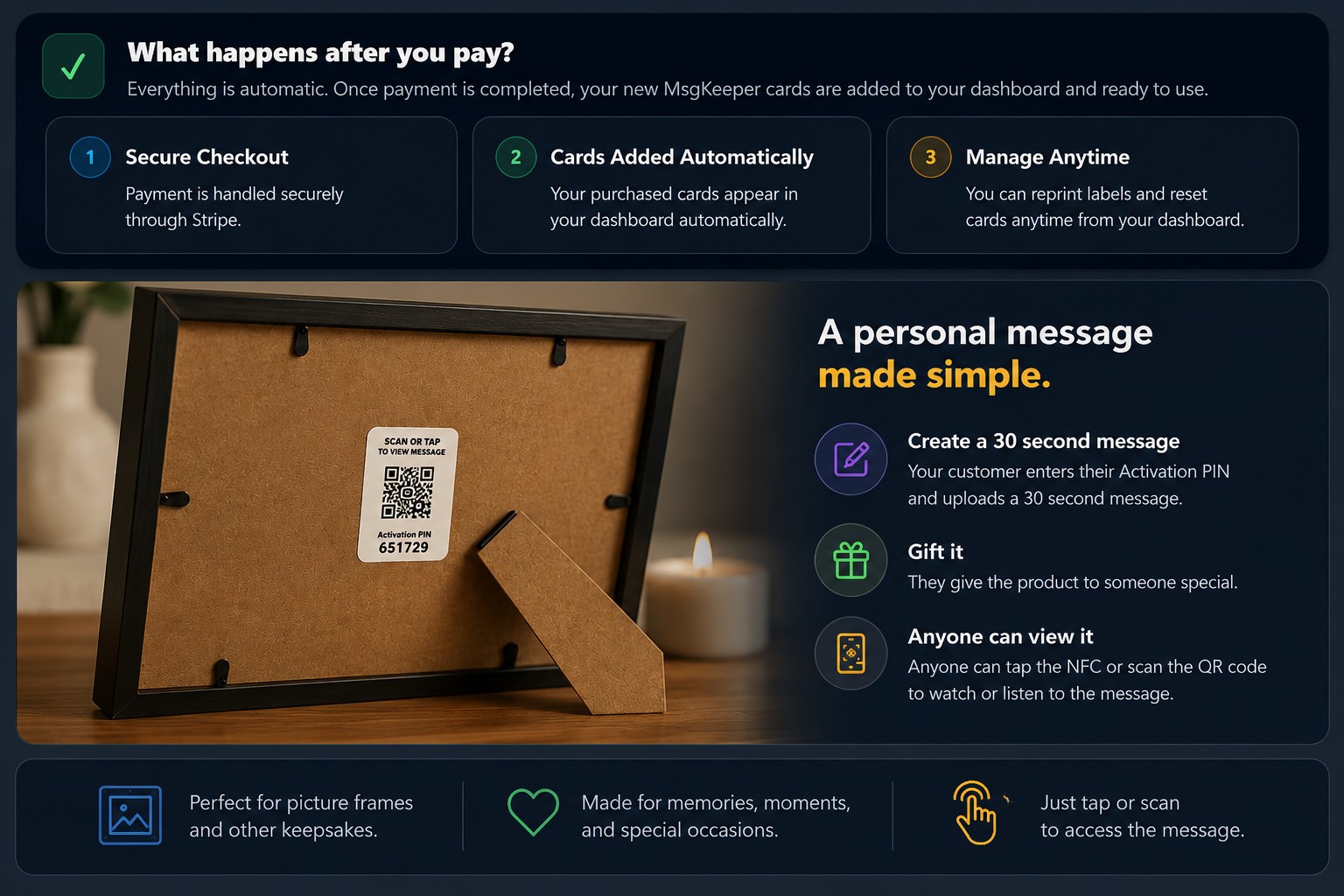
Your customer enters the Activation PIN and uploads a 30 second personal message. They then give the frame or other product as a gift. After that, anyone with the gift can simply tap the NFC or scan the QR code to watch or listen to the message.
This guide uses the same colors, status names, and button groups shown in My Activations, so you and your employees can follow it without translating between two layouts.
No Step 1 video is currently published. Add or change each step video from the MsgKeeper™ Admin page.
Check the status, then use the clearly labeled options directly beneath that activation.
Create your MsgKeeper™ business account. You will log in with your business email and the PIN you choose.
Use 8 to 12 numbers. This PIN controls access to all activations in your vendor account.
Please review these before creating your account. They cover how MsgKeeper™ handles data, paid activation packs, subscriptions, refunds, and cancellation.
Your account is ready. Save your login and the one-time recovery code below before continuing.
Use the one-time recovery code you saved when your account was created. It can reset your PIN once.
Your account now has a one-time recovery code. Save it somewhere safe before closing this window.
This code can reset your PIN once and cannot be shown again. After you use it, future recovery goes through MsgKeeper™ support.
Choose your own 8–12 digit PIN. You will use your business email and this PIN to log in.
This permanently deletes the customer's current audio/video and returns the activation to PIN activation.
This activation already contains a customer's message. Resetting it will permanently delete that audio/video. This cannot be undone.